
Most growing businesses start on an entry-level accounting package, and for good reason: it's affordable, quick to set up, and does the basics well. The trouble starts when the business keeps growing and the software doesn't. Workarounds pile up, spreadsheets multiply, and month-end close stretches from days into weeks.
If any of the signs below sound familiar, it's worth taking a serious look at an ERP such as Microsoft Dynamics 365 Business Central.
1. Month-end close takes longer every quarter
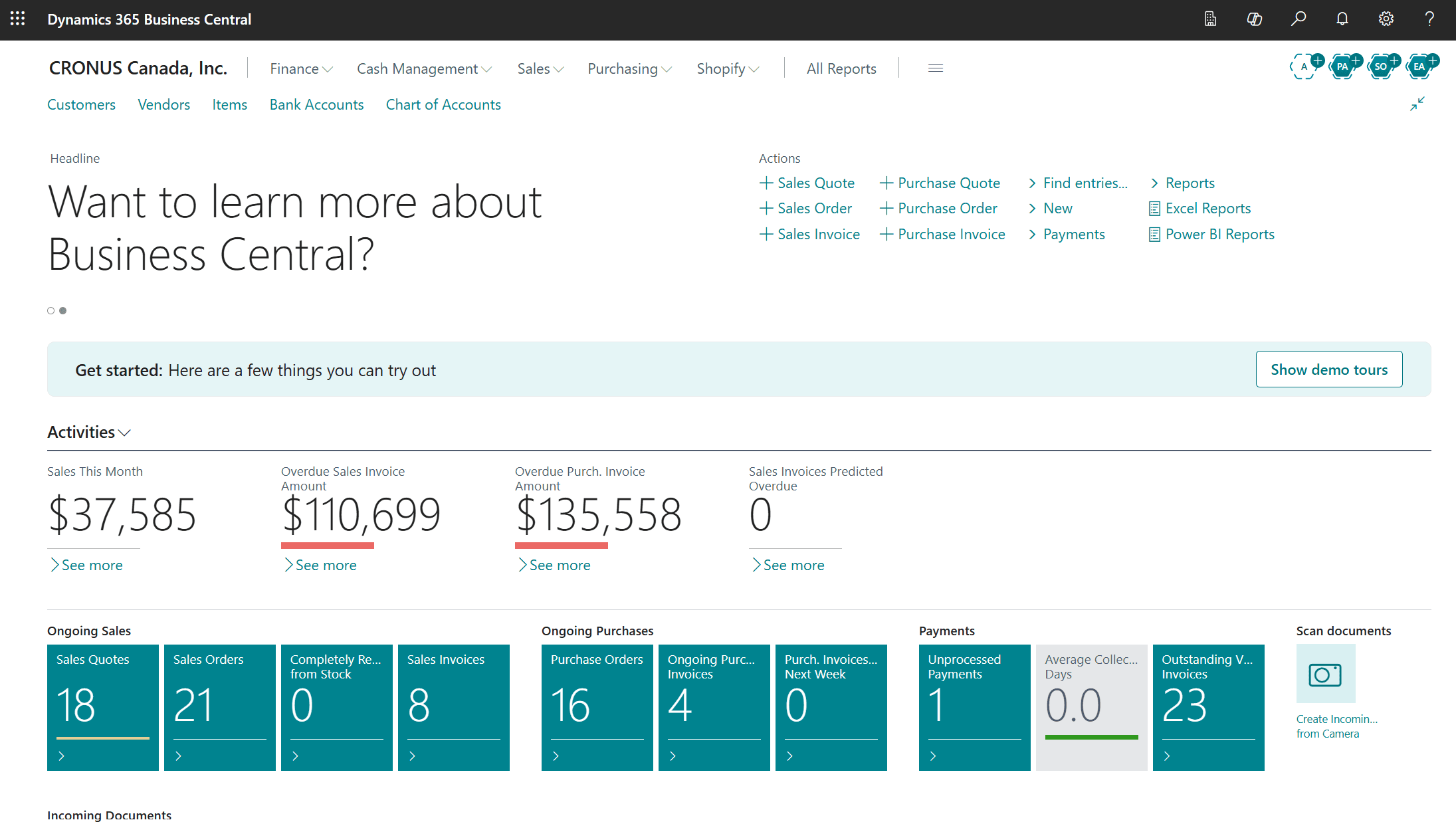
When closing the books means exporting data, reconciling it by hand in Excel, and chasing people for missing numbers, the system isn't doing its job. In Business Central, sales, purchasing, inventory, and finance post to the same general ledger as transactions happen, so there is far less to reconcile at month-end.
2. Inventory lives in a separate spreadsheet
If your stock counts, reorder points, or landed costs are tracked outside your accounting system, your financials are only as accurate as the last time someone updated that file. An ERP ties every receipt, shipment, and adjustment directly to the ledger.
3. You can't answer simple questions quickly
"What's our margin on this customer?" "Which product line actually makes money?" If answering these takes a day of spreadsheet work, you're making decisions on stale information. Business Central puts that reporting in front of you — and connects to Power BI when you need to go deeper.
4. You've added a second company or location
Multiple entities, warehouses, or currencies push entry-level software past its limits. Business Central handles multi-company setups, intercompany transactions, and consolidation natively.
5. Approvals happen over email
Purchase orders and vendor invoices approved by "reply all" leave no audit trail. Built-in approval workflows give you control and a clear record of who approved what, and when.
6. Too many apps that don't talk to each other
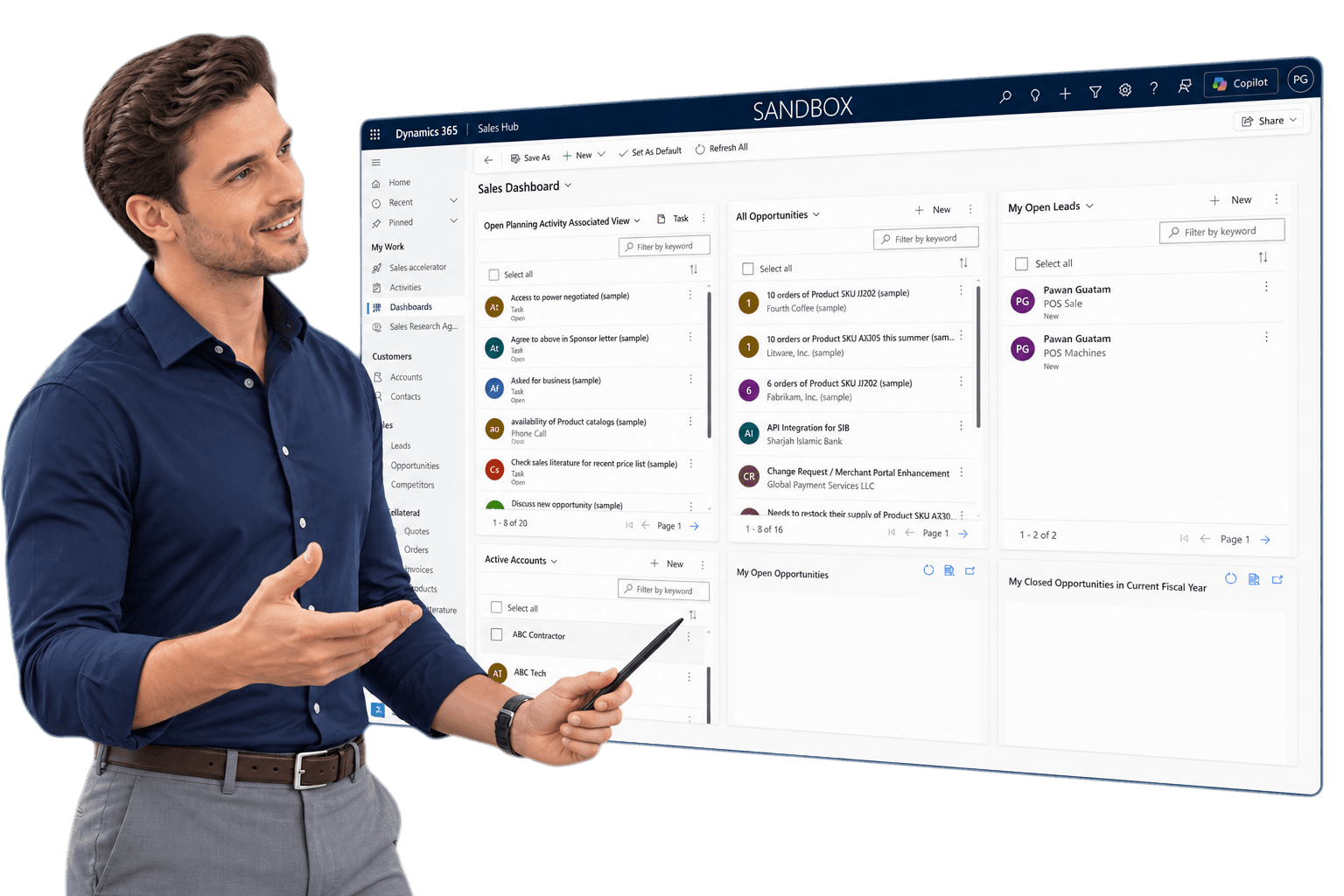
A CRM here, an inventory add-on there, a separate tool for expenses — each with its own login and its own version of the truth. Business Central connects natively with Microsoft 365, Dynamics 365 Sales and Customer Service, and a large marketplace of add-ons.
7. You're hiring people to do data entry
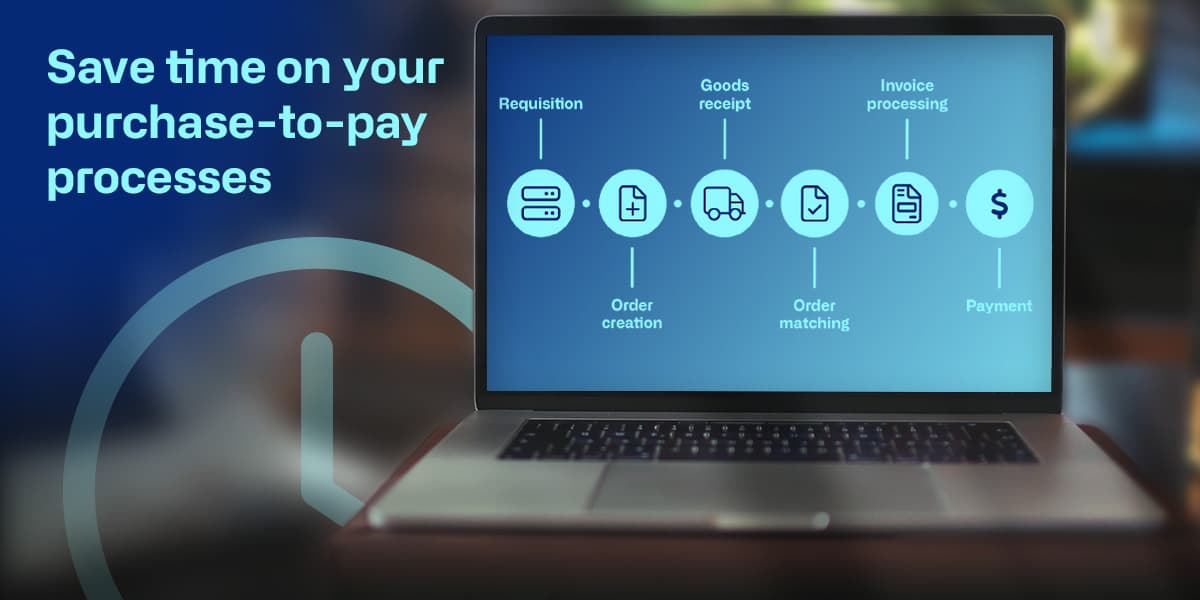
If headcount is growing just to keep up with keying invoices and re-entering orders, automation will pay for itself. Tools like Continia Document Capture can read and post vendor invoices for you.
What to do next
Outgrowing your software is a good problem to have — it means the business is growing. The key is moving before the workarounds start costing you customers or compliance headaches.
A GeniusX consultant can walk through how your business runs today and give you a straight answer on whether Business Central is the right next step. Book a discovery call to start the conversation.