Dynamics 365 Sales and Dynamics 365 Customer Service share the same underlying platform, Microsoft Dataverse. That means customers, contacts and history live in one place, and the two apps work well side by side. But implementing both at once is a big change for any organization, so most businesses start with one.
Which one should go first? It depends on where your biggest pain is today.
Start with Sales if…
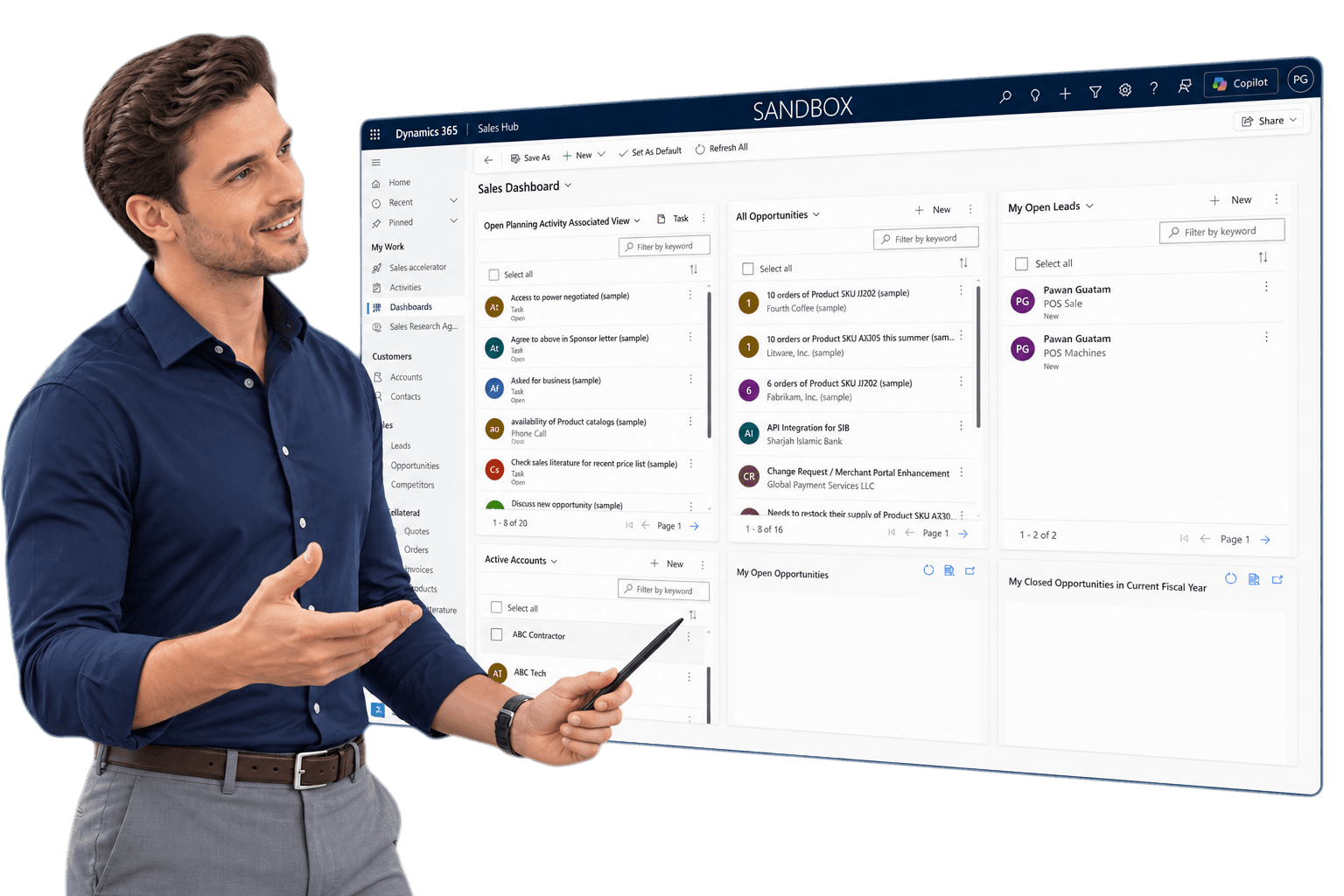
- Your pipeline lives in spreadsheets or people's heads. If forecasting means asking every rep for an update, Sales gives you a shared, real-time view of opportunities.
- Leads fall through the cracks. Automatic lead assignment, follow-up reminders and activity tracking make sure nothing gets missed.
- Quotes are slow or inconsistent. Standard product catalogues, price lists and quote templates speed up the process and keep pricing consistent.
- Leadership lacks visibility. Dashboards show pipeline value, win rates and activity without anyone building a report by hand.
Start with Customer Service if…
- Support requests come from everywhere. Email, phone and web enquiries arrive in different inboxes and nobody has the full picture.
- Customers repeat themselves. Without a shared case history, every call starts from scratch.
- You have service-level commitments. SLA tracking and escalation rules make sure urgent cases are handled on time.
- Knowledge is locked in a few people. A knowledge base helps agents — and customers — find answers faster.
Why it's not either/or for long
Once both apps are in place, the real value shows up:
- Sales reps see open support cases before calling a customer.
- Service agents spot upsell or renewal opportunities and pass them to sales.
- Management sees the full customer relationship in one view.
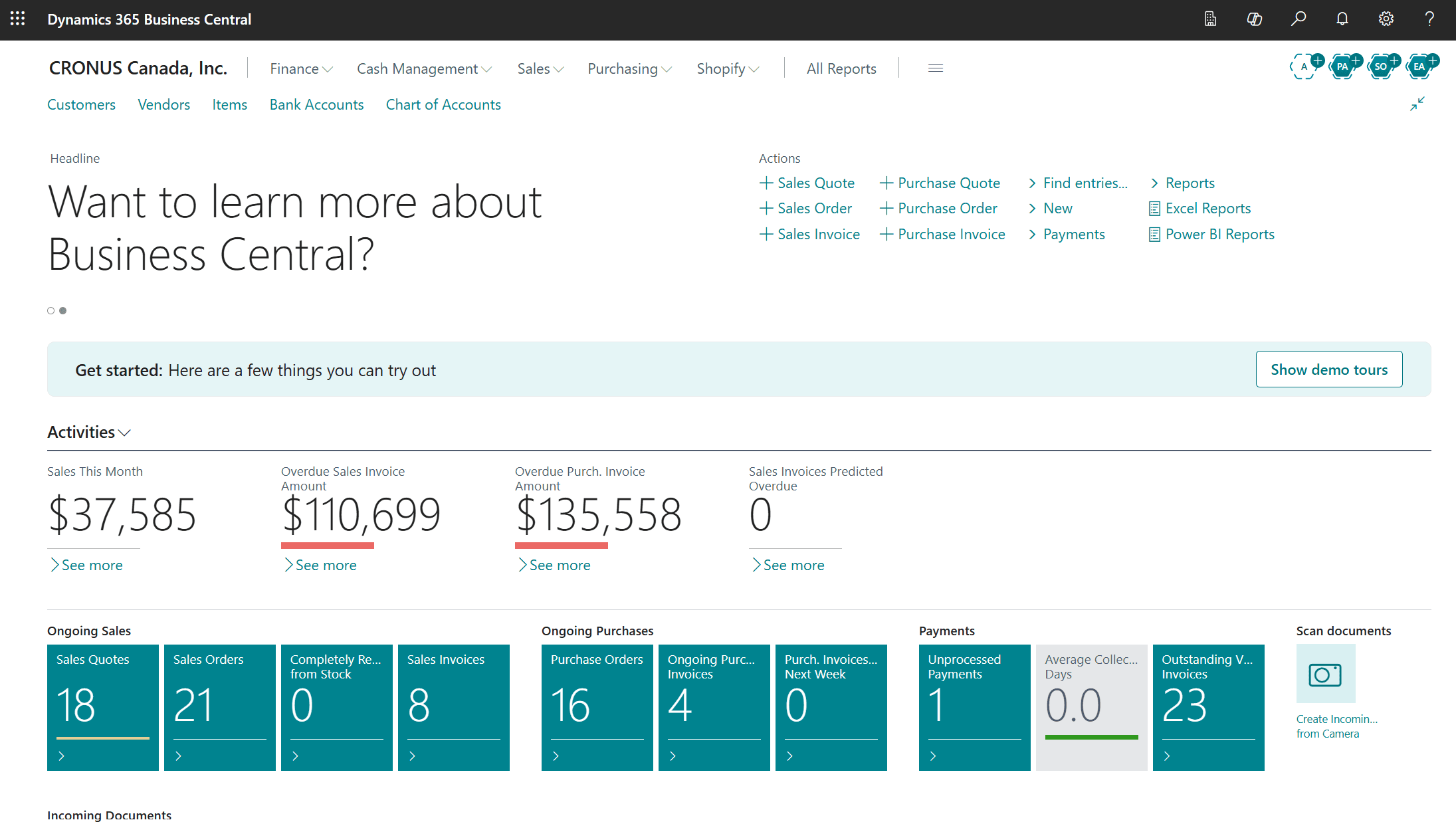
And if you also run Business Central, orders, invoices and payment history can flow into the same picture.
A practical approach
- Pick the app that solves your most expensive problem today.
- Implement it well, with clean data and good user adoption.
- Add the second app once the first is part of everyday work, reusing the same customer data.
Not sure where to start? A GeniusX consultant can map out a phased plan that fits your team and budget. Get in touch or explore Dynamics 365 Sales and Customer Service.